Lyrics to Video
Turn a song into a lyric video in your browser. Upload the track, check the lyrics, pick a style and export an MP4.
Free to use · No sign-up · No watermark · Your song never leaves your deviceOnly upload songs you own or have permission to use.
How it works
Three steps, all in one browser tab.
 1.
Upload your song
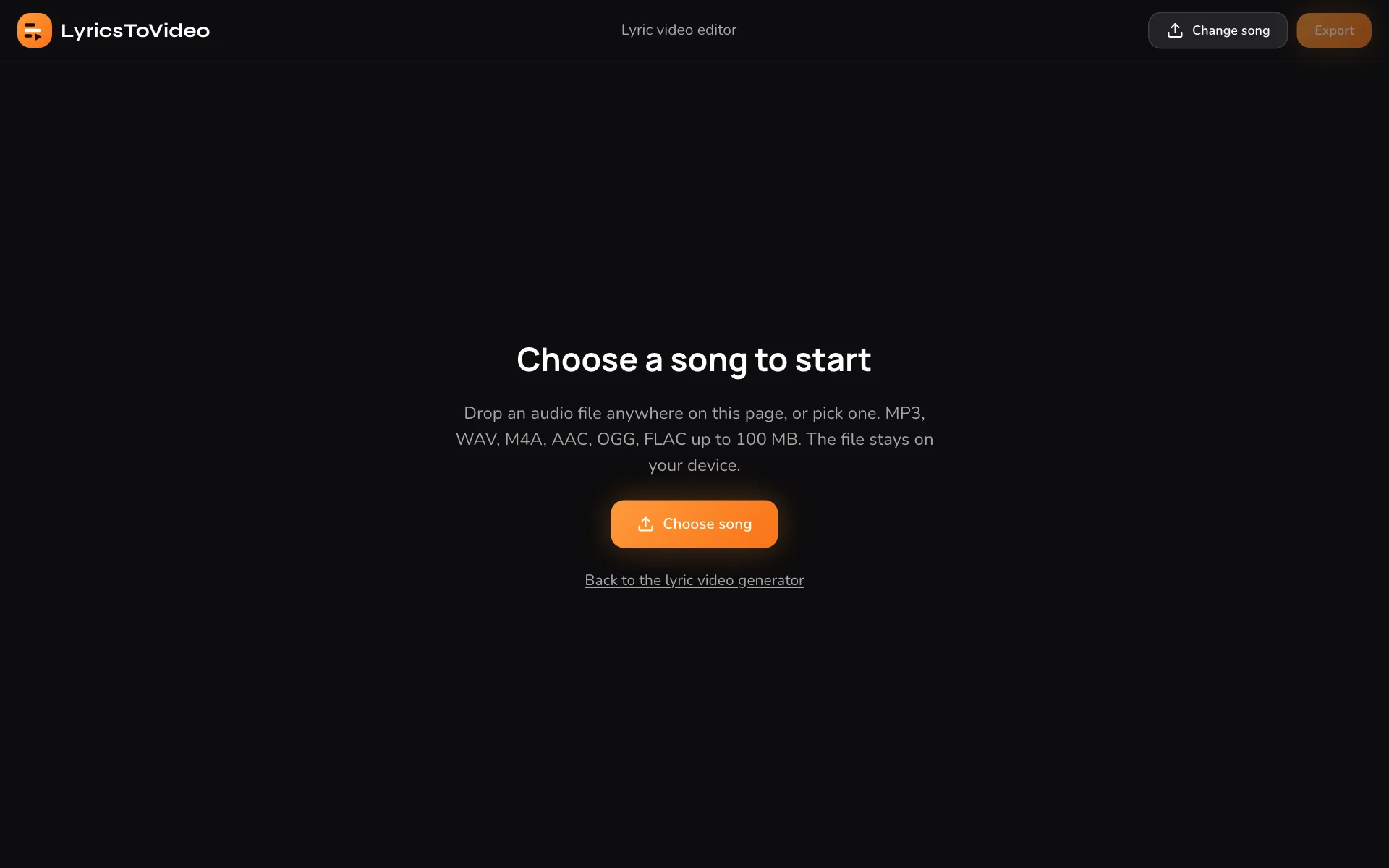
Drop in an MP3, WAV or M4A file. Your browser reads it on the spot: nothing to install, no account to create.
 2.
Check the synced lyrics
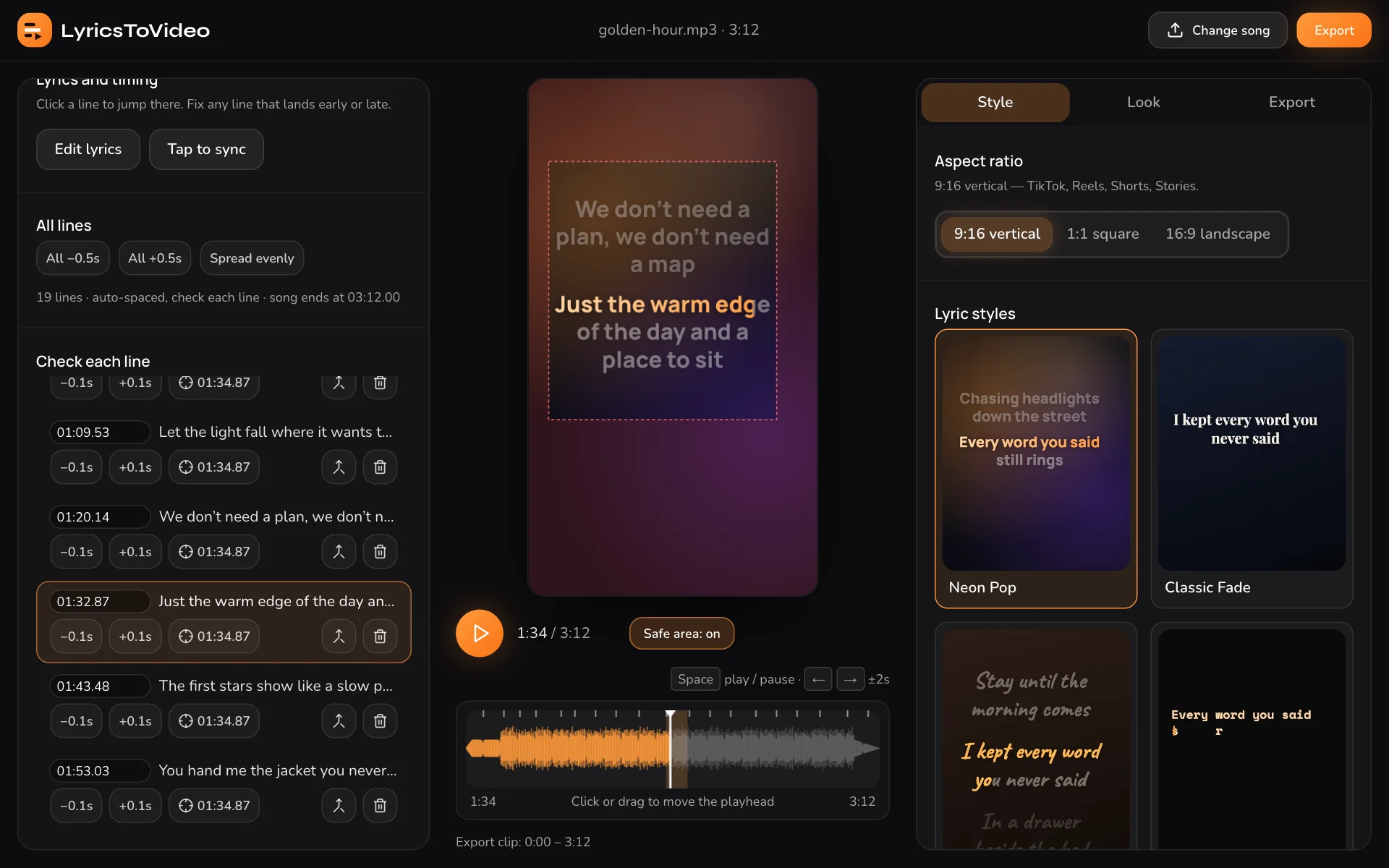
Paste the words as plain text or an LRC file and the lyric video generator lines them up with the song. Nudge any line that lands early or late, or tap through the track to set every line.
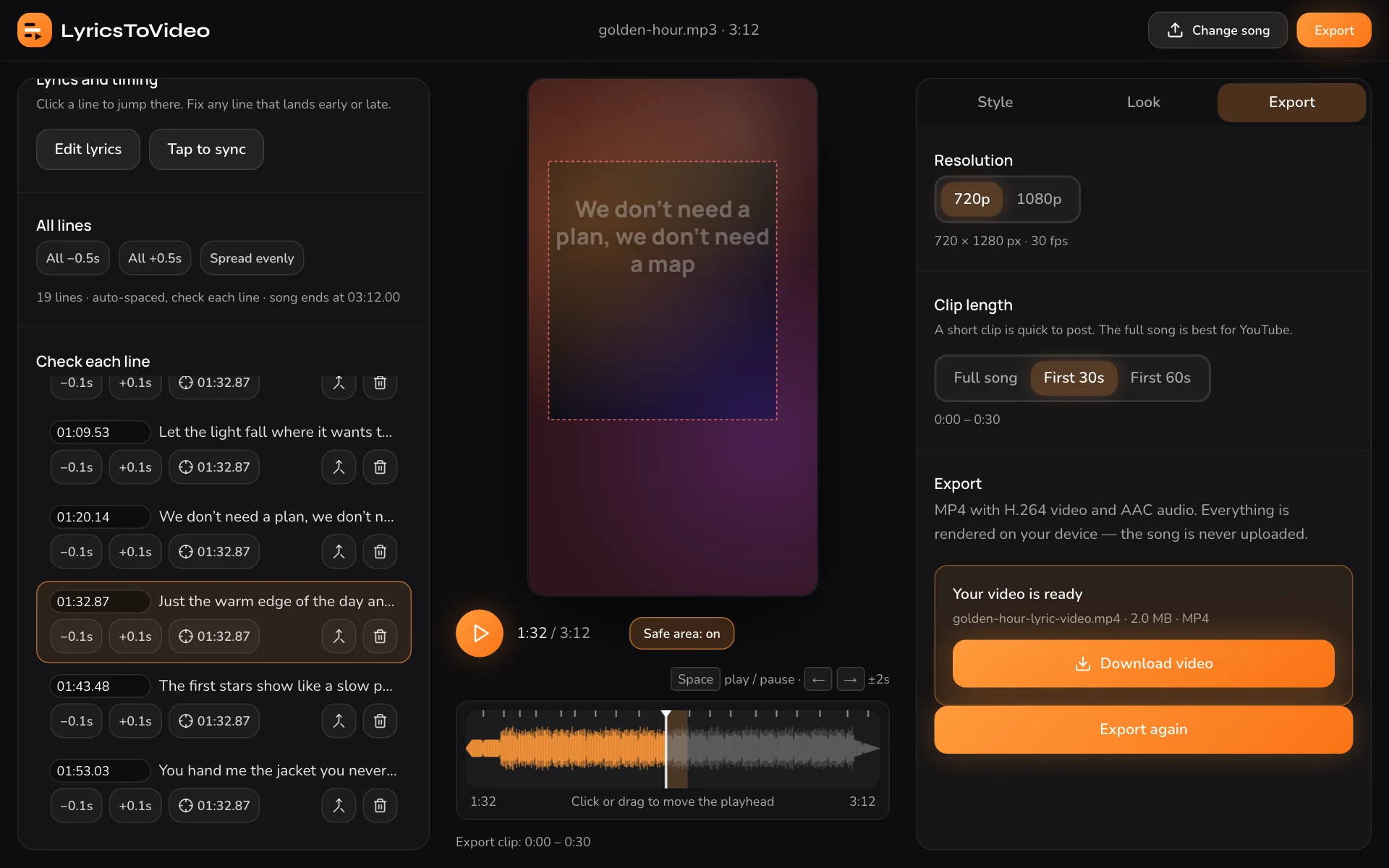 3.
Pick a style and export
Choose a look, set the aspect ratio and export. The MP4 is rendered on your device with H.264 video and AAC audio.
Lyric video samples
Three genres, three looks, each with the style it was made with.
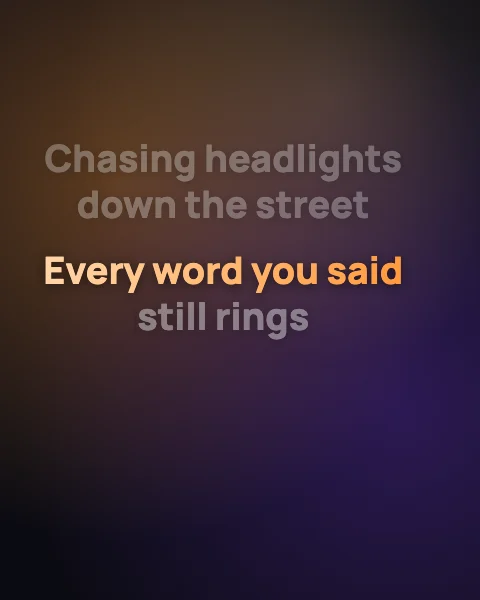
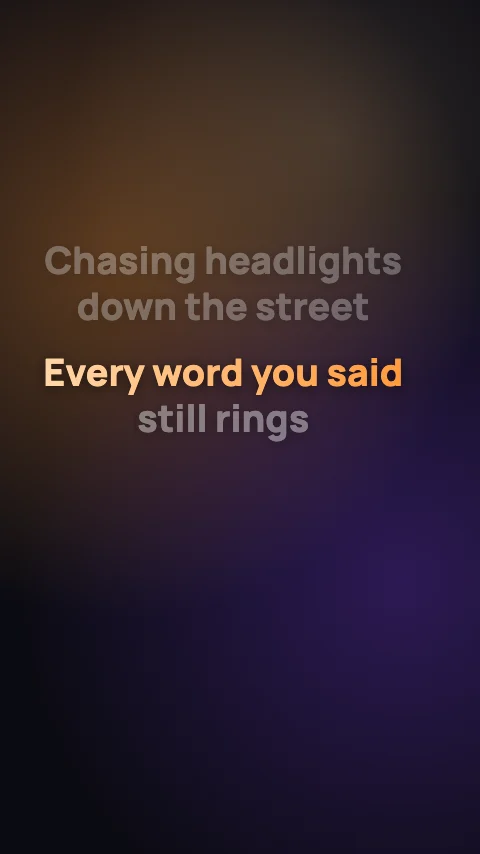
Pop · Style: Neon Pop Big rounded words, filled in one at a time.
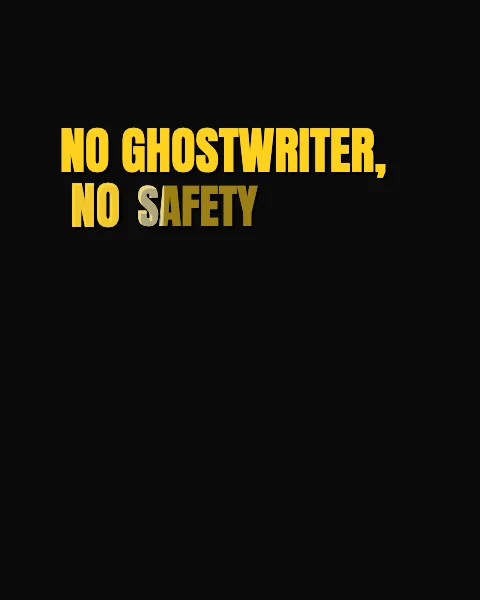
Hip-hop · Style: Boom Bap Oversized caps with a hard shadow. Every word lands with a punch.
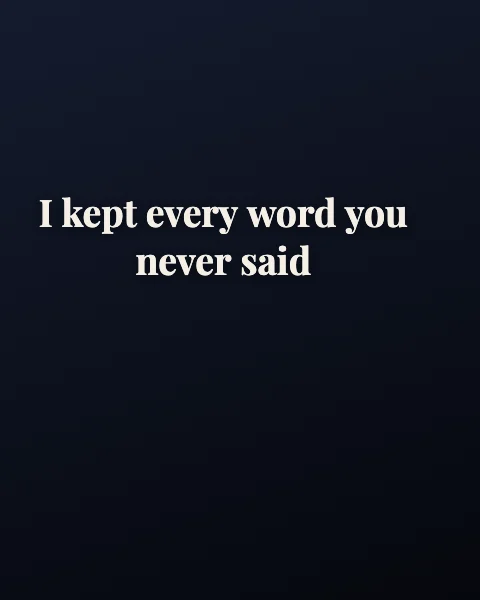
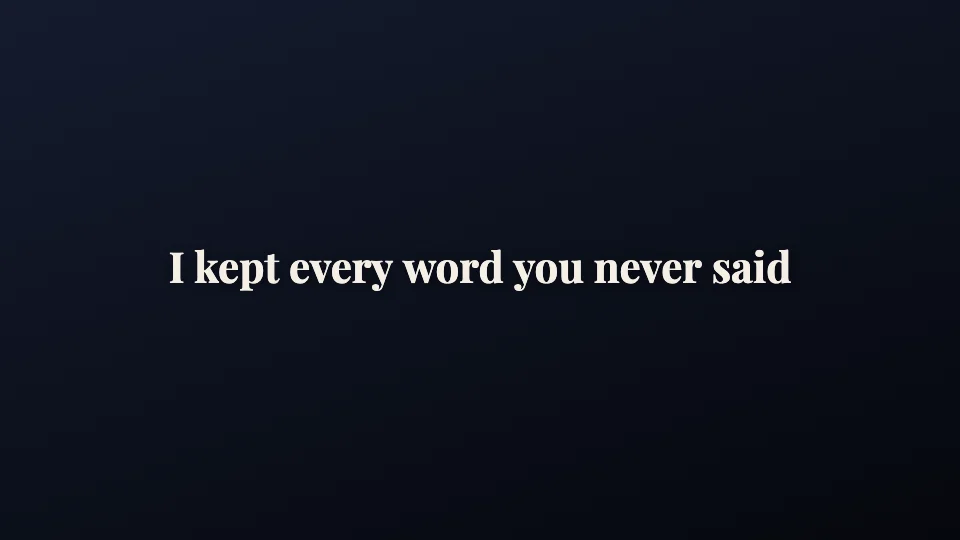
Ballad · Style: Classic Fade A serif line that fades in with the vocal.
Live previews from the export engine, using demo words.
What you can customize
Word-by-word timing
Each word has its own start time. An enhanced LRC file gives exact per-word sync. Put asterisks around a word to make it pop.Fonts and styles
11 styles: rounded sans, serif, handwriting, monospace, marker blocks and condensed bold caps. 5 are built for rap.Colors
Override the text color and the highlight color of any style.Position and alignment
Move the lyrics up or down, resize them, and align left, center or right.Safe area guides
See where short-video apps place their buttons and captions, and keep your words clear of them.Aspect ratio
9:16 for short video, 1:1 for feed posts and 16:9 for YouTube.Backgrounds
The style’s background, a solid color, a gradient or your own cover art.Export
MP4 with H.264 video and AAC audio at 720p or 1080p, 30 fps. The whole song, or the first 30 or 60 seconds.
Who it’s for
For people who have a finished song and no video budget.
Independent musicians
You mixed the track yourself and release on your own schedule. A lyric video costs an evening, so every single can have one.AI music creators
You generate songs faster than you can film them. Paste the lyrics you already wrote, pick a style and post a video the same day.YouTube music channels
People search for a song and stay on the channel that has the lyric video. Export in 16:9 at 1080p.Short-video creators
Post a hook with the words on screen as a 9:16 clip. The safe-area guide keeps them clear of the caption and the side buttons.
Lyrics to video online, free
It turns song lyrics to video in your browser, with no app to install and no render queue.
It is free. Exports carry no watermark, there is no sign-up and no daily limit, because your own device does the work. Your audio is never uploaded: the song is decoded, timed and rendered on your computer.
Many people who want to turn lyrics to video online free of charge run into a watermark, a trial or a limit on song length. This free lyric video maker has none of those. The same steps work as a TikTok lyric video maker: pick 9:16, keep the words inside the safe area and export the first 30 or 60 seconds.
The editor is developed and tested in Chrome. Chrome and Edge give the smoothest export; Safari and Firefox should work too, though we have tested them less.
Lyric video vs. captions
They both put words on screen. They solve different problems.
What is the difference between a lyric video and captions?
A lyric video is the main event: the words are the visual, set large in a style that matches the song. Captions are a translation layer, small text at the bottom of a video that already has something to watch. A lyric video creator gives you big type and animation; captions give you a subtitle file.
You can use both: a full lyric video on YouTube and a short captioned clip on TikTok.
Can AI turn a song into a video?
Partly. An AI lyric video maker listens to the track, writes down the words and estimates when each line is sung. AI lyric video generators do well on clean vocals and get lost on fast rap, heavy vocal effects and backing vocals, so they still ask you to check the result.
This tool starts from the other end. You bring the words, as lyrics or an LRC file, and it handles timing, animation and export. Automatic transcription is not part of it yet.
Three ways to make one
Three routes to the same result. They differ in time, control and cost.
| Online generator (this tool) | Phone editing app | Desktop editing software | |
|---|---|---|---|
| Time per video | A few minutes once the lyrics are pasted. | Often half an hour or more, placing each line by hand. | An hour or more at first, faster with a template. |
| Word-level sync | Built in: import an LRC file or set each line by ear. | Manual keyframes, or auto-captions that struggle with singing. | Manual keyframes, or add-ons. |
| Control over the look | Presets plus size, position, color and background. | Anything the app can animate. | The most: full compositing and effects. |
| Best for | Getting a clean lyric video out today. | Editing on the phone you film with. | A signature look you plan to reuse. |
The step-by-step version of the first column is in our guide to making a lyric video.
More tools and guides
Go deeper on timing and styles, or jump to the rap presets.
FAQ
Is this lyric video maker really free?
Do I need to install an app?
What file formats can I upload?
How long does it take to make a lyric video?
Can I use the video commercially, and who owns it?
Does it work with songs that are not in English?
Ready to turn your song into a lyric video?
Upload a track you have the rights to. Your first line is on screen as soon as you paste the lyrics.
Free to use · No sign-up · No watermark · Your song never leaves your deviceOnly upload songs you own or have permission to use.