Rap Lyric Video Maker
Word-by-word sync for fast verses. Upload your track, check every bar against the beat, pick a bold style and export an MP4.
Free to use · No sign-up · No watermark · Your song never leaves your deviceOnly upload songs you own or have permission to use.
What’s different about a rap lyric video
A pop lyric video can get away with one line fading in every few seconds. Rap cannot.
A verse can carry more than a hundred words in thirty seconds, and the words are the point: listeners rewind to catch a punchline. Three things follow from that.
Speed
Lines last a second or two, sometimes less. When a line lands a beat late, the viewer reads the previous bar while hearing the next one.Density
The screen fills with words. Long bars have to wrap and still stay readable at phone size.Word-level sync
In a pop song, highlighting whole lines is enough. In rap the highlight has to move word by word, so each word lights up as it is rapped. Timing words, not only lines, is what a rap lyric video maker has to get right.
Everything else, the styles, the export and the safe areas, works the same as for any other song. If you have not made a lyric video before, start with the lyrics to video tool and come back here for the rap-specific steps.
How to make one
Three steps, each one aimed at fast lyrics.
 1.
Check the fast sections
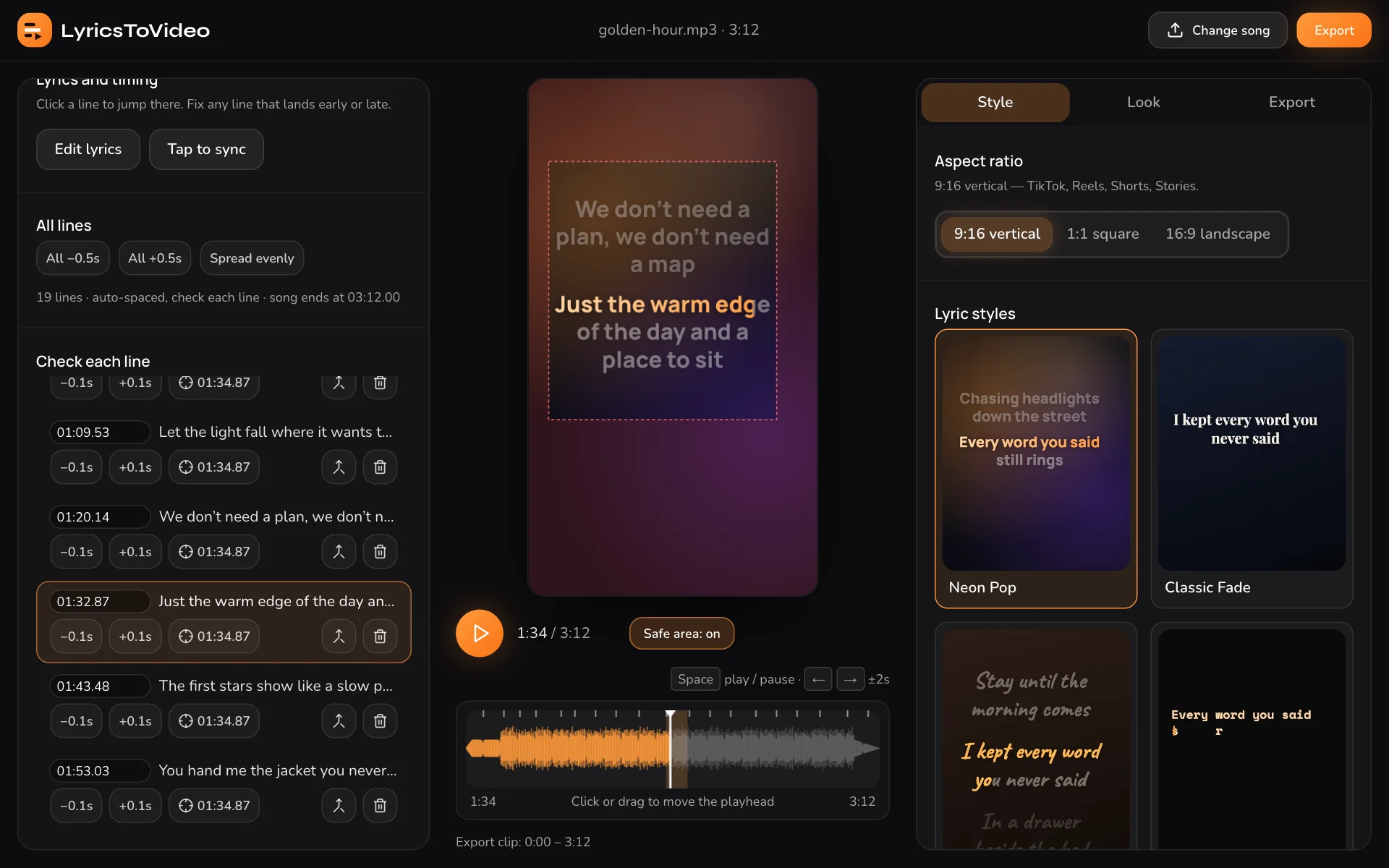
Play the verse and set each line where the vocal actually starts. Tap through it once with Tap to sync, or pause on the first word and snap the line to the playhead. For dense verses, bring an enhanced LRC file so every word has its own timestamp.
 2.
Stress the punch words
Put asterisks around the words you want to hit, like *this*. They light up in the highlight color and pop larger the moment they are rapped, so a punchline lands even when the verse is too fast to read twice.
 3.
Pick a bold style
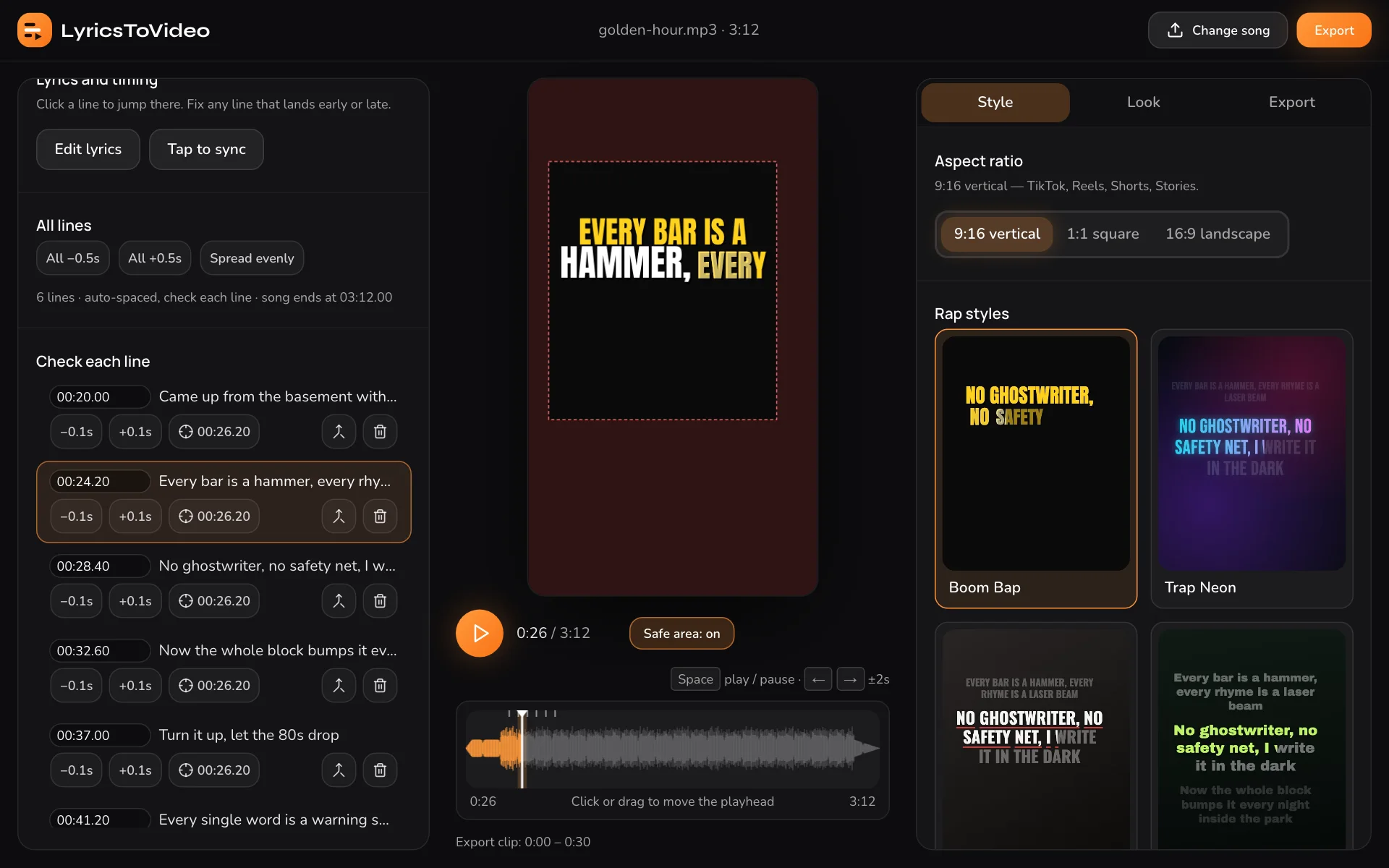
Choose one of the rap presets: heavy, condensed capitals that stay readable at speed. Keep bars short enough to wrap to two rows at most, and turn on Safe area so nothing hides under the app buttons.
Rap styles
5 presets built for dense lyrics, out of 11 styles in the editor.
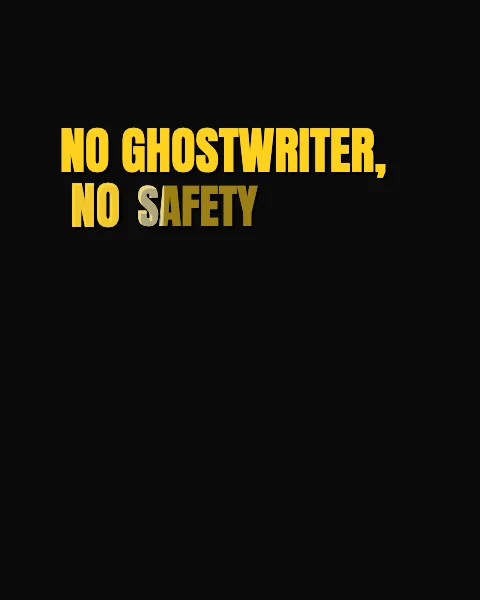
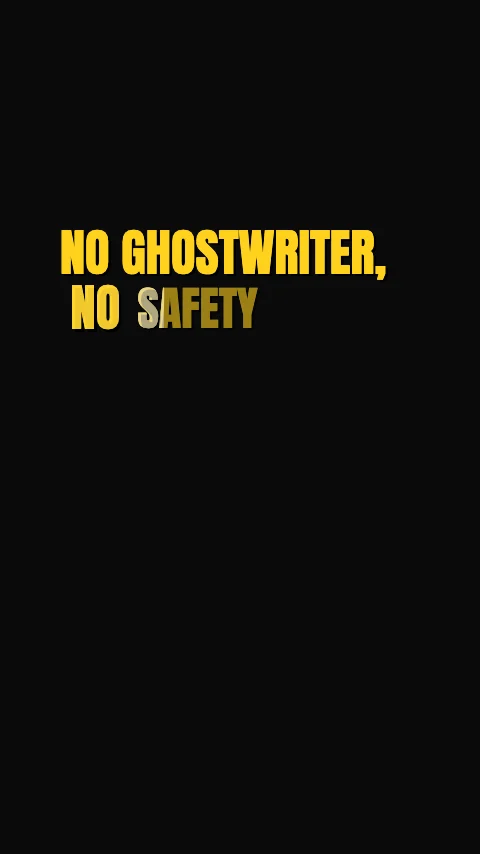
Boom Bap Huge condensed caps. Every word punches in with a hard shadow.
Best for: Boom bap and grime
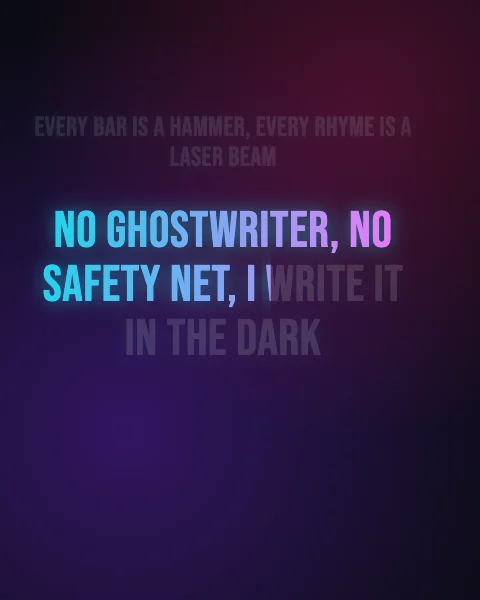
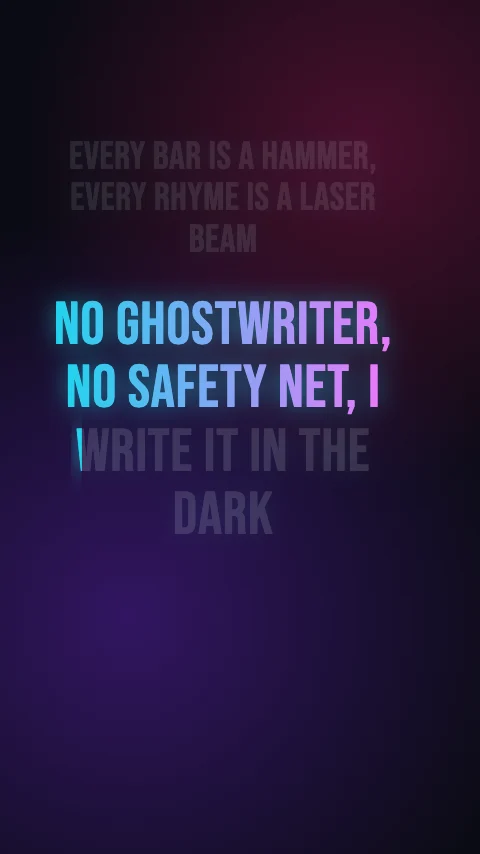
Trap Neon Tall neon caps that flood cyan to magenta, word by word.
Best for: Trap and drill
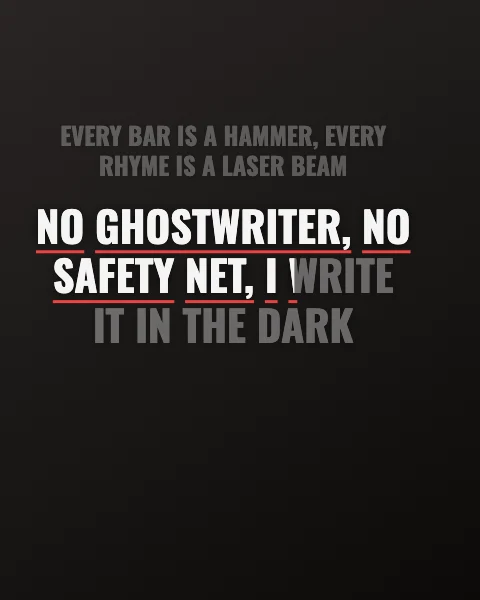
Street Tape Compact bold caps with a red bar tracking the bar.
Best for: Drill and dark beats
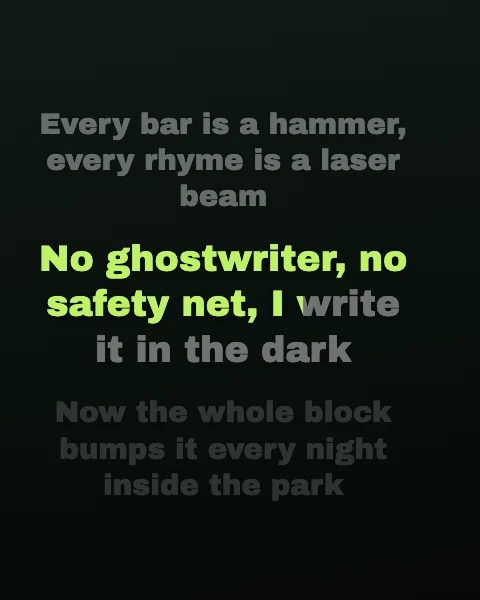
Freestyle Three stacked lines. The one being rapped turns lime.
Best for: Freestyles and long verses
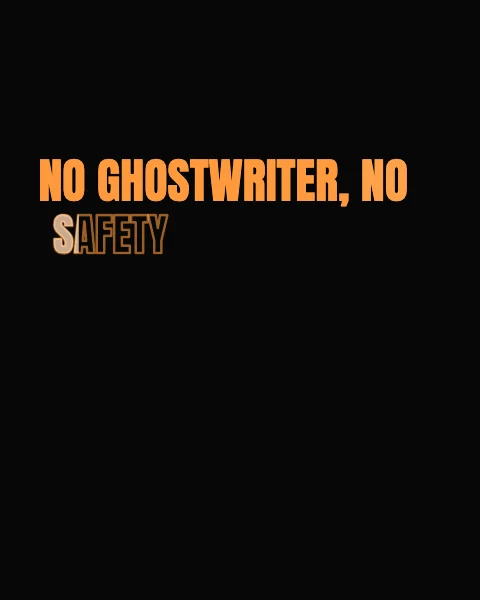
Punchline Outline caps that snap to solid orange on each word.
Best for: Punchline rap
TikTok vs. YouTube formats
The same song, cut two ways. Export both from one project.
TikTok, Reels and Shorts
9:16 at 1080p. Post the hook or the best eight bars instead of a whole song; the export panel can cut the clip to the first 30 or 60 seconds. Keep the words in the middle band of the frame: the right edge holds the like, comment and share buttons, and the bottom holds the caption. Larger text wins, because viewers watch on a phone.YouTube
16:9 at 1080p and the full song. The player puts the title and the progress bar over the top and bottom of the frame, so keep the lyrics near the vertical center. Use a title with the track name and the word “lyrics”, the full lyrics in the description, and timestamps for each verse.
If you want both, export twice. The editor keeps the lyrics and the style when you switch aspect ratio. Only the vertical position of the words may need a nudge.
FAQ
A fast verse never lines up. What can I do?
Does it work for rap in other languages?
Who owns the beat?
Can I sell or monetize the video?
Put your verses on screen
Upload a track you have the rights to. The rap style is already selected.
Free to use · No sign-up · No watermark · Your song never leaves your deviceOnly upload songs you own or have permission to use.